Comparisons
Tend vs. Muse AI: features, memory and everyday workflows
Compare Tend and Meta’s Muse AI on memory, email, calendar, documents, background tasks and permissions, with a feature table and practical examples.
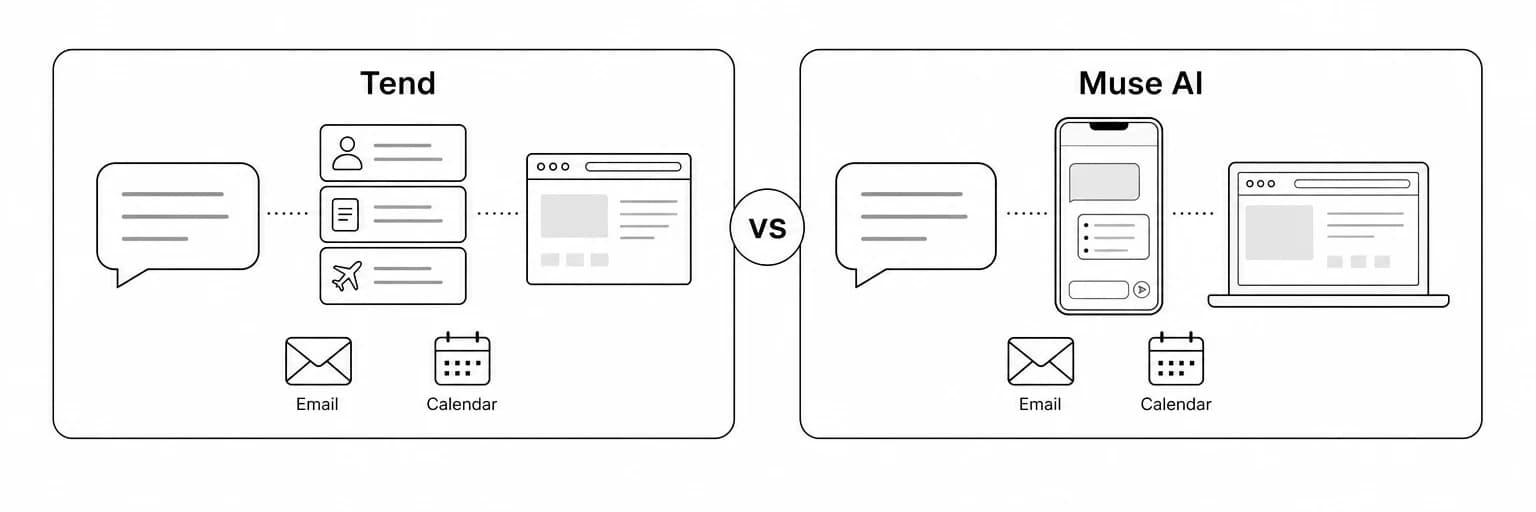
Tend vs. Muse AI is a comparison of two personal AI agents that aim to help with everyday tasks. Both can be relevant to someone who wants help managing work across conversations, accounts and documents. The choice depends on the interface you prefer, the context you want the agent to carry forward and the way you want to review its work.
Tend works through SMS and iMessage, alongside a web workspace with visible personal memory. Meta’s Muse presents a personal agent with its own apps, connected services and background work. There is meaningful overlap, so a good comparison needs to explain the differences without inventing exclusive features.
This article covers Meta’s Muse personal AI agent. It compares Tend’s current app with Meta’s official product information checked on September 29, 2026. It does not claim comparative testing of speed, accuracy or reliability.
Key takeaways
- Tend provides a visible Brain view for inspecting the personal context your agent has learned.
- You can text Tend through SMS or iMessage, as well as use its web workspace.
- Muse offers its own apps and a WhatsApp interface, according to Meta’s product information.
- Both cover everyday productivity tasks, so the presence of email or calendar help alone is not a decisive distinction.
- Both describe user authorization for consequential actions; approval should not be presented as unique to Tend.
- Test an actual workflow: a meeting brief, an email draft or a task that depends on a previous conversation.
Tend vs. Muse AI comparison table
The table summarizes product approaches. A listed capability does not mean it works with every account, device or task; verify the connections available to you.
| Comparison area | Tend | Meta Muse AI |
|---|---|---|
| Main approach | Personal context, ongoing conversation and reviewable deliverables | A personal agent for everyday tasks and longer-running work |
| Interface | SMS and iMessage, plus a web workspace with conversation, Brain and account views | Dedicated Muse apps and WhatsApp |
| Personal context | Setup and persistent memory visible in the Brain view | Meta describes an agent that learns from conversations |
| Email and calendar | Can work with relevant connected accounts | Official productivity materials describe email and calendar workflows |
| Browser work | Can use a browser for supported tasks | Meta documents a browser on the agent’s dedicated computer |
| Documents | Can prepare slides, PDFs, briefs and planning pages | Official product information includes document creation |
| Ongoing work | Supports follow-ups and monitoring for relevant updates | Meta describes background tasks and monitoring |
| Authorization | Agent instructions require permission before sending or changing account data unless already authorized | Official product materials describe action permissions and user control |
| A reason to consider it | You want visible personal context alongside the task conversation | You prefer its app interfaces and available connections |
What Tend brings to the comparison
Tend’s personal context is a visible part of the app. During setup, you tell the agent about yourself and the kinds of work you want help with. Its memory can retain people, projects, preferences and commitments, and the Brain view lets you inspect that information.
You can give Tend tasks and receive replies through SMS or iMessage. The web workspace complements that messaging experience with account connections and a place to inspect personal context.
That design is useful when one request depends on another. A client follow-up may need a previous decision, a deadline and the tone you normally use with that person. A meeting brief may need both a recent thread and project notes.
Tend can help you:
- Prepare an email reply using relevant project context.
- Research options and return a clear shortlist.
- Create a meeting brief, slide deck or PDF.
- Carry useful information into a later conversation.
- Review and correct what the agent has learned about your work.
Read what Tend does for examples of these workflows.
What Meta’s Muse brings to the comparison
Muse’s official product page describes an agent that can browse, use connected apps, create documents and continue tasks in the background. Meta’s launch announcement describes a dedicated virtual machine for the agent and messaging through Muse or WhatsApp.
These details matter if you want an assistant that fits those interfaces. They are product characteristics, rather than proof that Muse finishes any particular task better than Tend. Likewise, Tend’s visible memory workspace is a reason to evaluate it, rather than evidence that Muse lacks memory.
Personal memory and context
An AI assistant with memory should save you repeated explanation. The hard part is applying the right detail at the right time. A preference about short client emails should not erase important detail from a research report; a deadline from an old project should not become the deadline for a new one.
Tend’s Brain view gives you a place to inspect the underlying context. This is useful when you want to check whether the agent remembered a person, project or commitment correctly.
Evaluate either product with a two-step request:
- Give it a project update and ask for a short summary.
- In a later conversation, ask for a follow-up that depends on the update.
Then change one fact, such as the deadline. Check whether the assistant uses the correction and avoids introducing details that were never provided. This tests the usefulness of memory in your routine, without assuming that a long history is automatically good context.
Email and calendar assistance
Meta’s Muse productivity page describes inbox and calendar assistance. Tend can also help with these areas when the relevant accounts are connected. The difference worth testing is the quality of the workflow.
For an email task, review:
- Whether the agent found the correct conversation.
- Whether it identified the unanswered questions.
- Whether the proposed reply makes an unsupported promise.
- Whether the tone fits the relationship.
- Whether the final sending instruction is clear.
For scheduling, check the time zone, participants, constraints and meeting details. Ask for a proposal first when you want to review the arrangement before changing the calendar.
Documents and research
A personal AI productivity assistant should make information easier to use. Sometimes that means a concise answer. Sometimes it means a document with structure, sources and a clear audience.
Tend can prepare slides, PDFs and briefs. Muse’s product page also includes documents among its capabilities. Compare the specific deliverable you need instead of treating “document creation” as one uniform feature.
For a fair test, give both products the same task:
Prepare a one-page brief for a client meeting using these notes. Include the current status, open questions and proposed next steps. Mark any assumption and cite the source of each number.
Look at the finished work. Is it readable? Are the proposed steps distinguished from agreed commitments? Can you follow the sources? Can you ask for a revision without restating the full assignment?
Background tasks and follow-through
Longer-running work needs a clear stop condition. “Watch for an update” is less precise than “Tell me when this client replies about the proposal; stop after Friday.”
When evaluating a monitoring or follow-up workflow, define:
- The subject: which thread, event or information source matters.
- The trigger: what should cause the assistant to report back.
- The duration: when the request ends.
- The authorized response: notify you, prepare a draft or take a specific action.
Tend and Muse both describe ongoing work. The useful distinction is how well the behavior available in your account matches these requirements. Do not assume that a broad monitoring capability covers every service or scenario.
Permissions, privacy and user control
Tend’s agent instructions require authorization before sending or changing things on your connected accounts unless your request already authorizes the action. Muse also documents permissions for consequential actions. Neither should be presented as permission-free merely to make the other look better.
Before connecting an account, identify what the assistant needs for the task. Read the applicable product policies and review your connection settings. This comparison does not establish a privacy or security winner.
A useful first task has an outcome you can inspect. Ask for an email draft or meeting brief before authorizing a purchase, a booking or an external message with significant consequences.
When Tend may be the better fit
Consider Tend as a Muse AI alternative if you want:
- A visible workspace for personal memory.
- SMS or iMessage for talking to your agent from your phone.
- Ongoing tasks tied to people, projects and commitments.
- Research and documents within the same conversation.
- A web interface for reviewing your agent’s understanding and work.
Muse may suit you more closely if its dedicated apps, WhatsApp interface and available connections fit your routine. Choosing between them should reflect the actual workflow and access you have, rather than a generic ranking.
Frequently asked questions
Is Tend a Muse AI alternative?
Yes, for users comparing personal AI agents for everyday work. The capabilities overlap, while their interfaces and product approaches differ.
Can I use Tend through text messages?
Yes. Tend supports SMS and iMessage. Its web workspace is an additional interface, not the only way to talk to the agent.
Does Muse require approval before acting?
Meta’s official product information describes permission controls for consequential actions. Check the settings and behavior available for each connection and task in your account.
Does a visible memory view make Tend more accurate?
It makes the remembered context easier to inspect and correct. That is useful for review, but it does not establish a measured accuracy advantage over another product.
Which assistant is better for my work?
Use a representative task with the same input, constraints and desired output. Evaluate the finished work, your corrections and the follow-up. The better fit is the assistant that reduces effort while meeting your requirements.
Sources and related reading
- Muse’s official product page.
- Muse for Productivity.
- Meta’s Muse launch announcement.
- Tend vs. Instinct AI.
- Why memory matters in a personal AI assistant.
Get started with Tend and test it with a task from your own day.